


-



Easy. Secure. Private. That’s Apple Pay.
When you shop at Rustan's, Apple Pay is a quick and convenient way
to make purchases with your card on your Apple devices. It helps keep every purchase private and secure, whether you’re browsing for beauty items in store, online. And it’s simple — just look
for the Contactless Symbol and tap your iPhone in store, or
buy online and in app by clicking the Apple Pay button.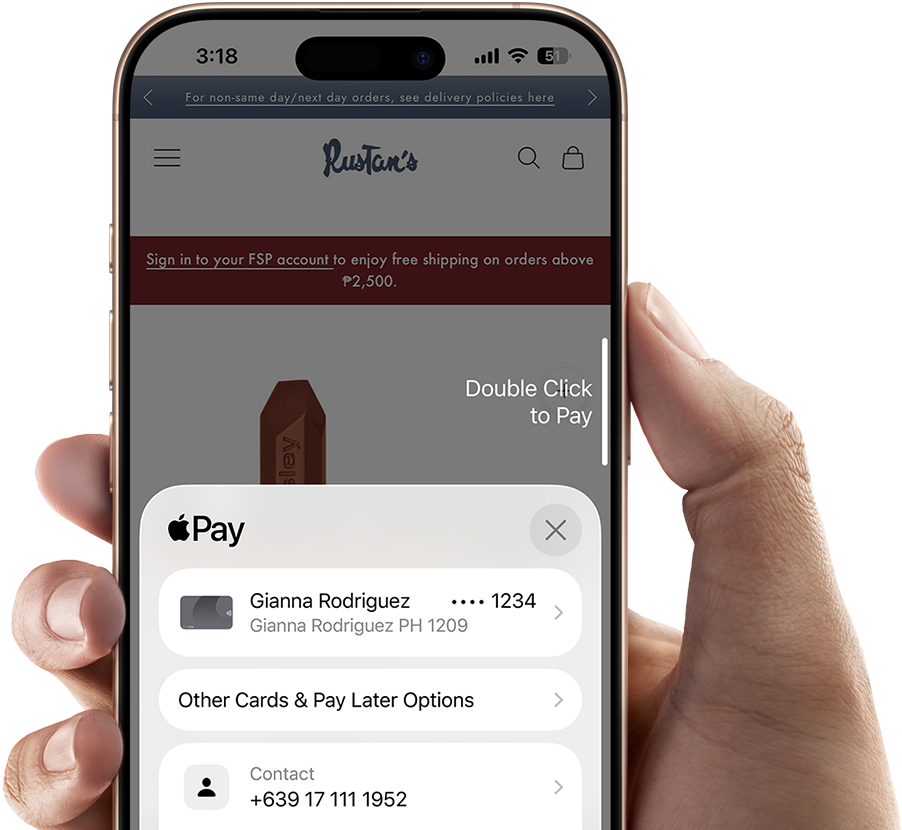

-




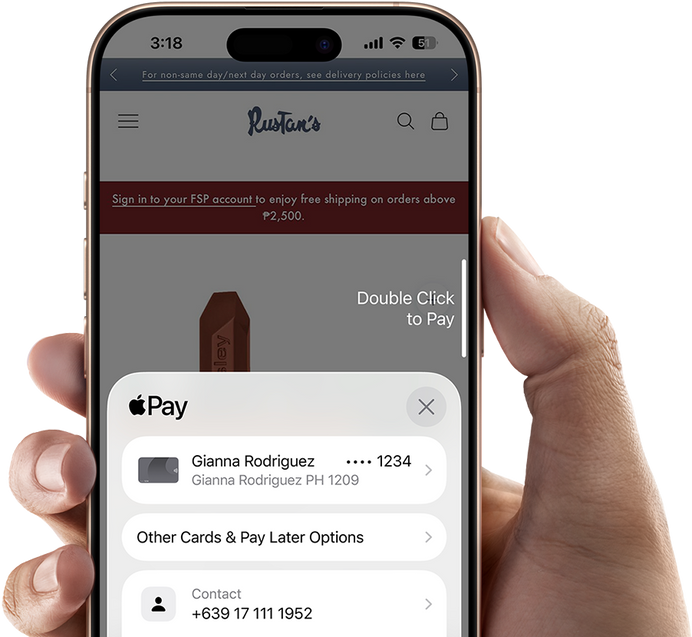
Tap [or click]. Pay. Done.
It’s easy to use Apple Pay at Rustan's — it’s built into your favorite Apple devices and lets you shop in store and online. To pay in store, just look for the Contactless Symbol and double‑click the side button on iPhone. To pay online or in app, tap or click the Apple Pay button.
-
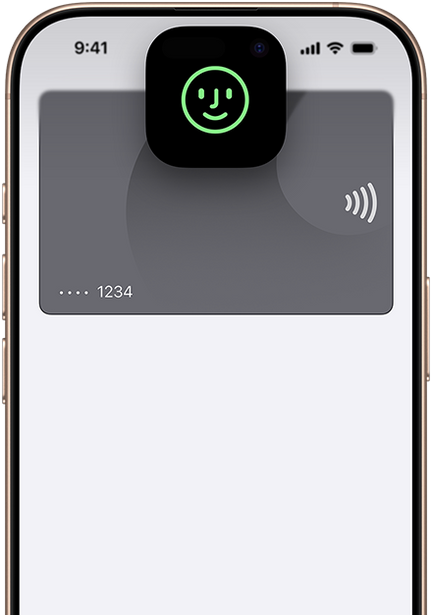
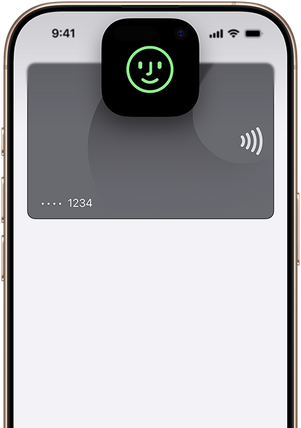

Designed to be secure. So only you can pay.
Apple Pay helps you pay at Rustan's with confidence. It uses privacy and security features built into your Apple device and is designed so that only you can authorize payments. Transactions require authentication through Face ID, Touch ID, or your passcode.
-
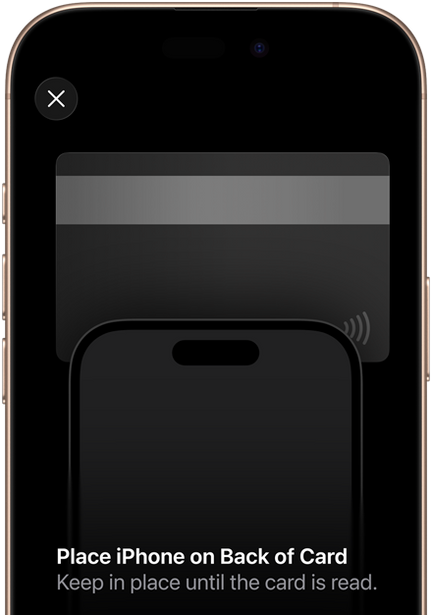
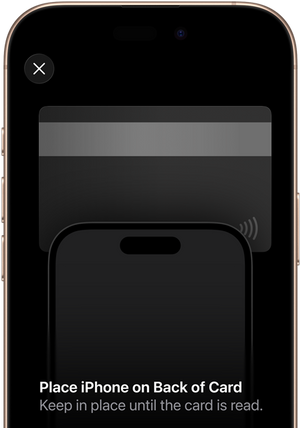
Set up in seconds. Right on your Apple Wallet.
To add a card, open Apple Wallet on your iPhone or Apple Watch and tap (+). Or select Wallet & Apple Pay in System Settings on your iPad or Mac and click Add a Card.
Now you’re just a few taps away from using Apple Pay at Rustan's. -
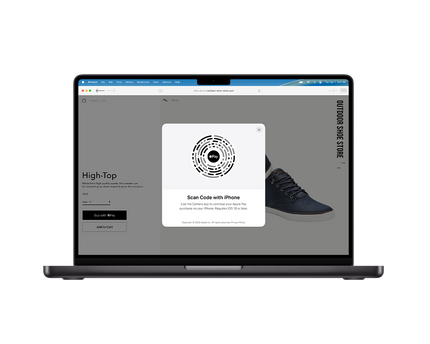
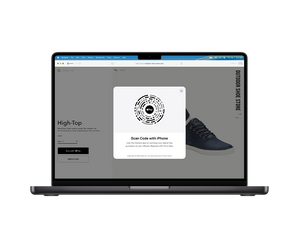

More browsers. More ways to pay with Apple Pay.
Check out easily and securely with Apple Pay at Rustan's without having to manually enter your card information. If you’re shopping on a non‑Safari browser on Mac or other computers, you can still click the Apple Pay button and use your iPhone to complete your purchase.◊